> ## Documentation Index
> Fetch the complete documentation index at: https://docs.steercode.com/llms.txt
> Use this file to discover all available pages before exploring further.
# Codebase
> Learn about managing your codebase with SteerCode
The **Codebase** tab shows every file SteerCode generates or edits. Use it to review structure, inspect diffs, and verify changes after Code Mode runs.
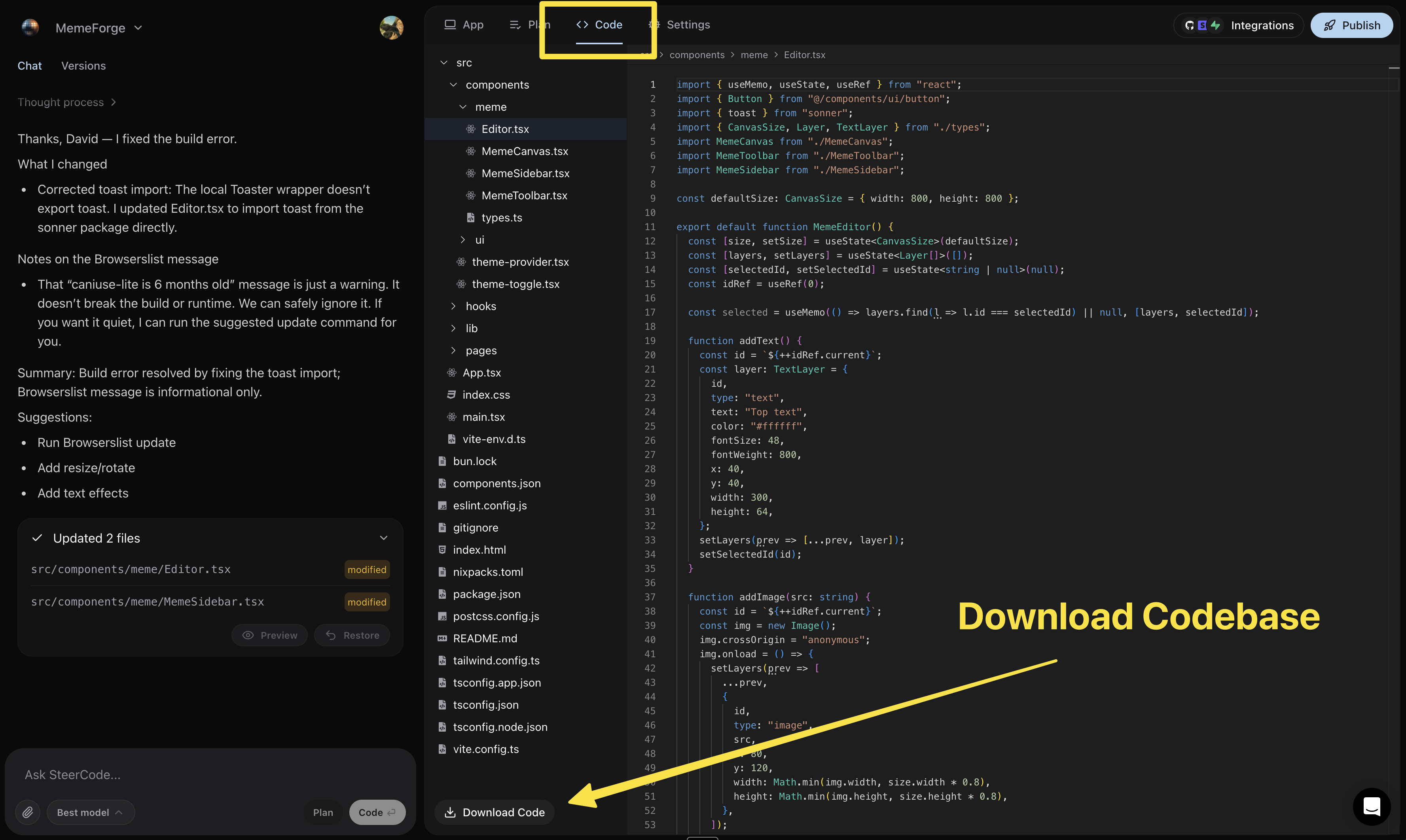 ### Download your code
Confirm the app builds and runs as expected.
You’ll receive a zip with the full project.
Use version control after downloading. Commit a clean baseline, then iterate
with small, verified changes.
### Download your code
Confirm the app builds and runs as expected.
You’ll receive a zip with the full project.
Use version control after downloading. Commit a clean baseline, then iterate
with small, verified changes.